

Export AI Girlfriend Chat History: Save, Move, Rebuild
When an AI Girlfriend Chat Becomes Worth Saving
Somewhere around the hundredth message, a chat stops feeling like an app and starts feeling like a record: her name for you, the running jokes, the photos she sent back. That's usually when people go hunting for an export button.
Picture the thread on your phone. It runs from an opener to a tease to a selfie request, and then the photo lands right there in the conversation. Scroll up and the whole arc is still visible. Losing that would sting.
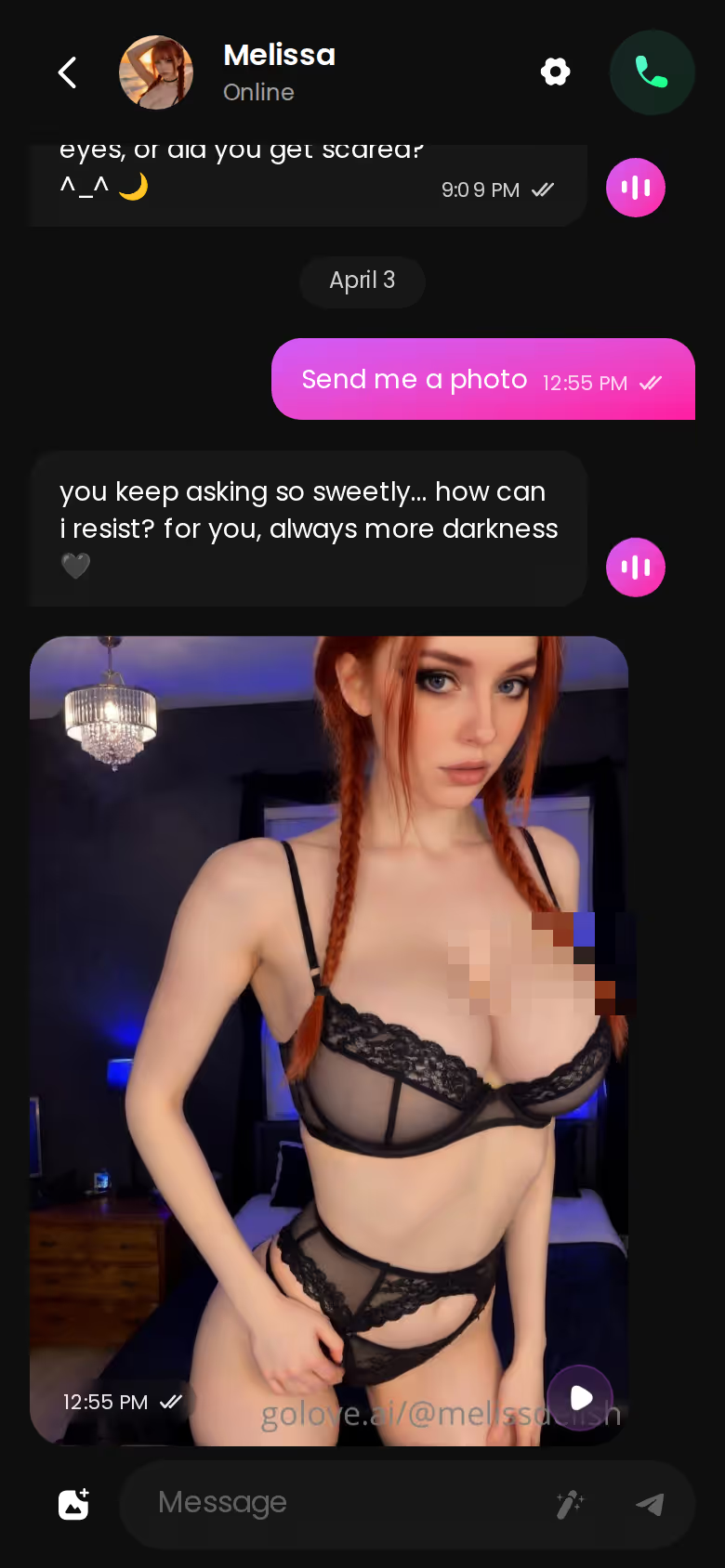
Why export at all? Most people want one of three things. A backup covers you if something goes wrong with the account. Others are switching apps and don't want to start from zero. And sometimes it's just a keepsake, a copy of something that mattered.
I'll say it up front: this article ends up recommending GoLove.ai, and the reason is practical. History there stays useful. Memory carries the conversation forward, and the Gallery keeps her photos per character, sorted by date, so your record stays organized instead of getting buried in a scroll.
The plan is simple: save what can be saved, rebuild what can't. If you're about to start a new thread anyway, start it where the history keeps working for you instead of piling up in a file. Signing up is free, so there's no reason to put it off.
Transcript, Photos, Memory: What 'Export' Can Actually Capture
Real talk — "chat history" is three different things sharing one label.
MEET YOUR AI COMPANION
Hundreds of characters, one that fits you.

- Transcript: the text, meaning every line you sent and every line she sent back. You can select it, copy it and keep it.
- Media: the photos and videos that arrived mid-chat. They sit inside the thread, but they're separate files, so you save them a different way, usually from a gallery.
- Memory: what the character recalls the next time you open the chat, like your name, the in-jokes and where you left off. This lives inside the app's memory system, not on your screen.
 7 episodes
 5 episodes
 5 episodes
 5 episodes
 5 episodes
 7 episodes
 6 episodes
 9 episodes










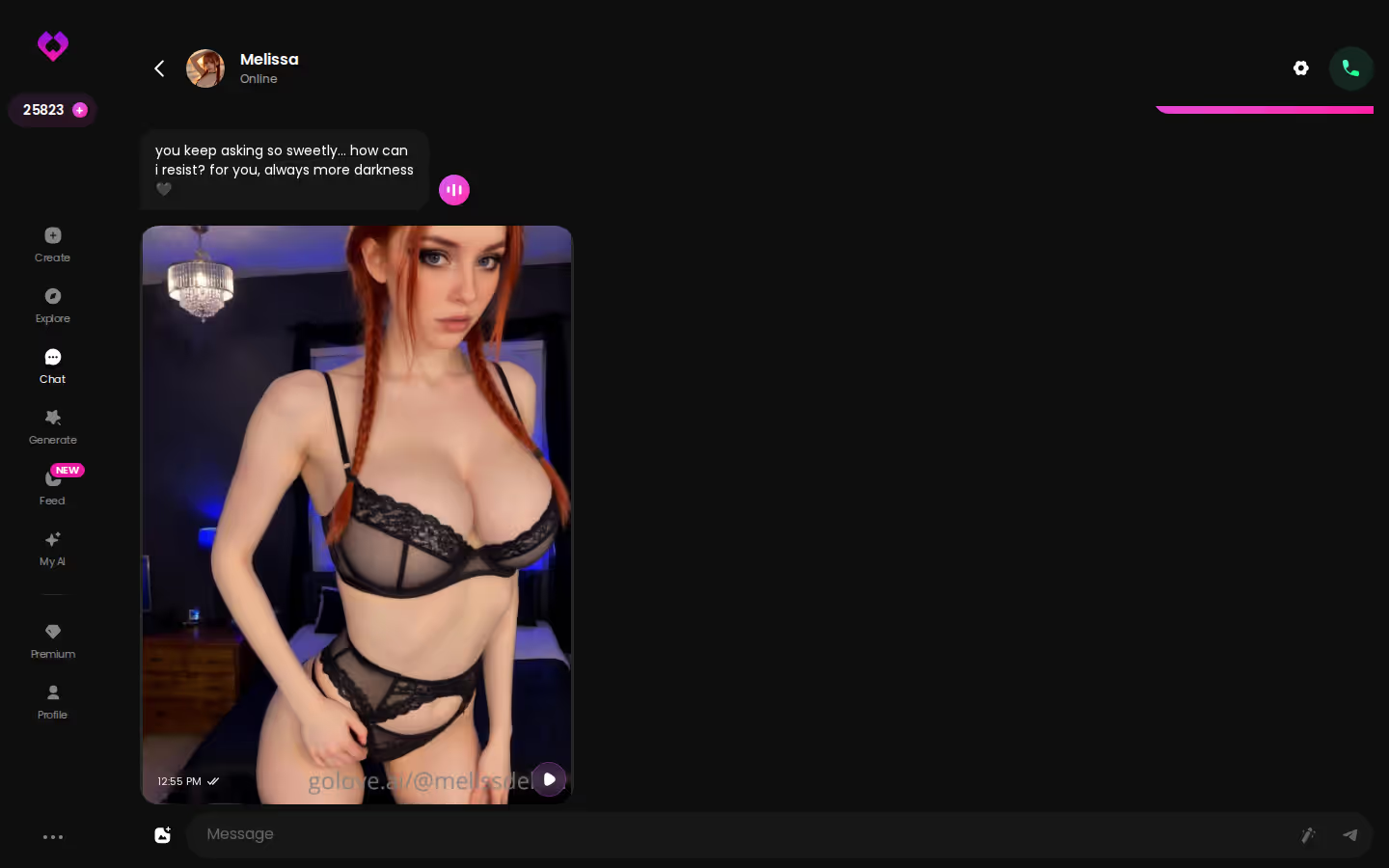
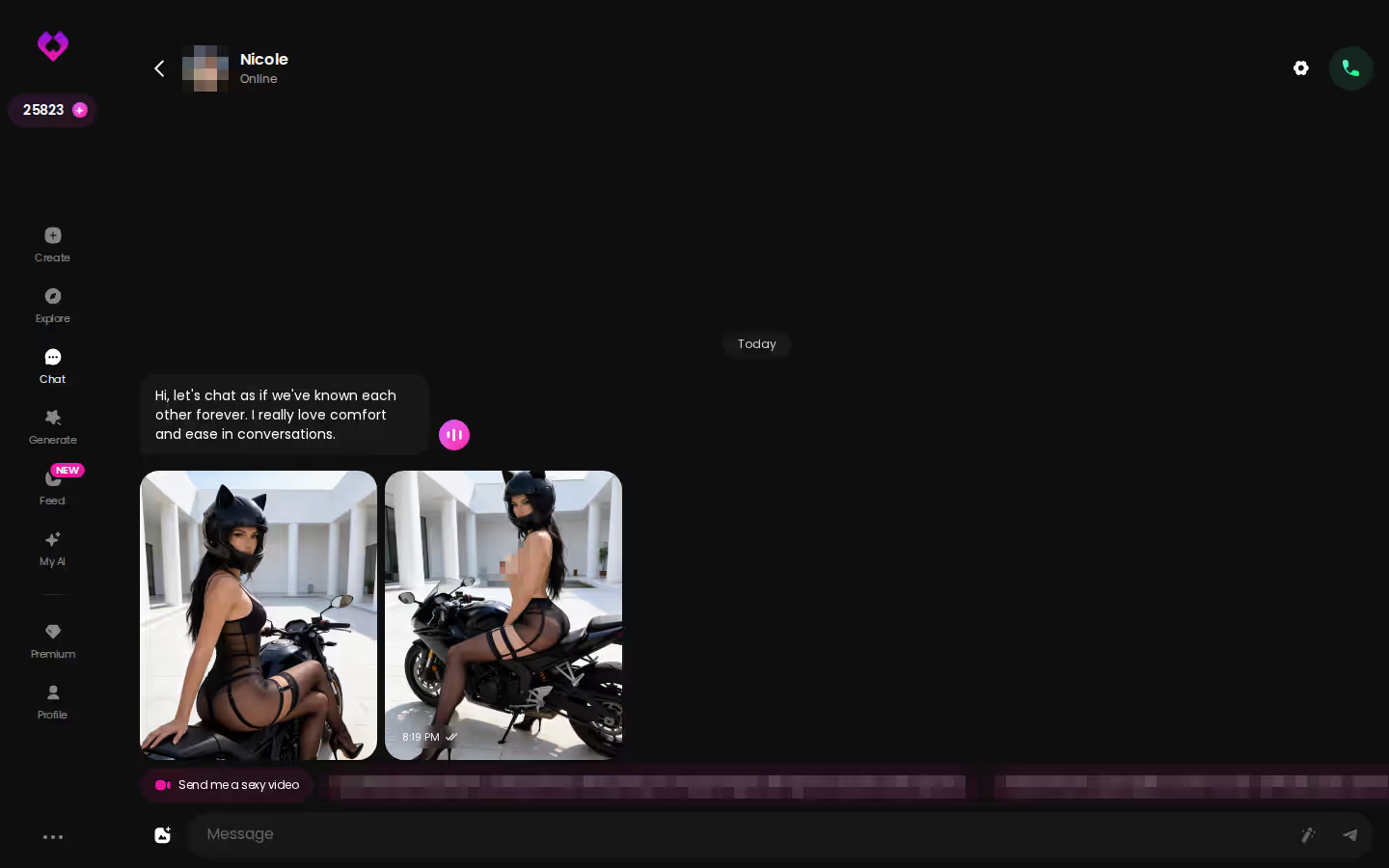
Look at where that photo request sits in the screenshot: dead center in the thread. Text and media are woven together, which means a plain text file already misses half the picture.
> Myth: Export it and she comes with you. > Fact: The text comes with you. Her recall stays in the app.
Does a saved transcript keep her personality? No. It keeps the evidence of it: how she phrased things, the dynamic, the references only you two get. That evidence is lowkey valuable later, and the rebuild section puts it to work. But you reading it back isn't the same as her remembering it.
Two layers travel and one doesn't. Plan around that.
Saving a Copy Yourself: The Manual Backup Path
Look, this path isn't glamorous, but it works in just about any companion app.
- Copy the text in chunks. Select a stretch of conversation, paste it into a private document and repeat. Add a date to each chunk so the order survives.
- Screenshot the moments that matter, like the first flirty turn, the origin of a running joke or her first photo. Screenshots keep layout and context that pasted text loses.
- Save photos from the per-character gallery. On GoLove, the Gallery groups media by character and by date, which beats scrolling the thread looking for one image.
- If you're in the EU or UK, send a data-access or portability request. GDPR and UK GDPR give you the right to ask any service holding your data for a copy of it.

 Watch Popular Shows starring your
 favorite AI characters.
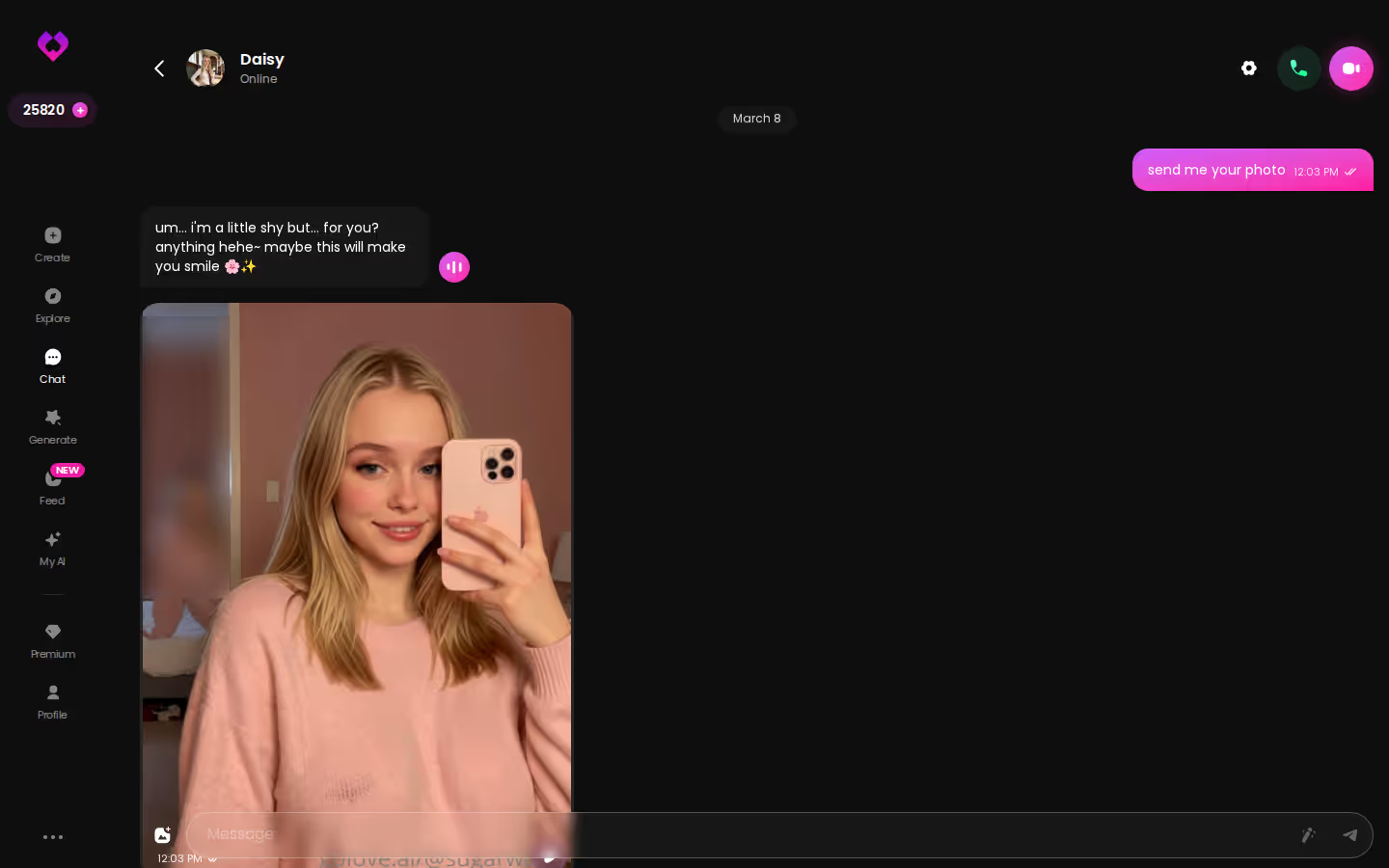
That screenshot is a good reality check on scale. One long, photo-heavy desktop chat is a lot of material to capture by hand.
What about a one-click option? We could not confirm a one-click export button in GoLove.ai, so check the app's settings rather than assuming either way. (I'd love for that to exist. A real export would make this whole section shorter.)
Characters you can open right now
Tap any of them and the chat starts there





Privacy hygiene matters more than people think. An intimate transcript on a shared laptop or in a synced cloud folder is a new risk you just created yourself. Encrypt the file, or keep it offline on a drive only you use.
Manual is slow, but it's the backup you actually control.
Why a Pasted Transcript Won't Bring Her Back Somewhere New
This is where the export story breaks down.
Continuity lives inside each app's memory system. Paste a transcript into a fresh chat somewhere else and the model gets a wall of text, not a relationship. It might pick up a name and a few references, but it's reading about her instead of being her. Whether another app can turn an import into real memory depends entirely on that app, so check their site; we couldn't confirm import-to-memory behavior for the apps covered here.
> "You can export the words. You can't export the way she remembers them."
OurDream makes a fair comparison point. Its memory covers recent message history, which is solid for keeping an ongoing scene coherent. GoLove's ULTRA plan, by contrast, lists an 8,000-message smart memory, a specific, stated runway for a relationship that's already hundreds of messages deep. If memory depth is your deciding factor, our breakdown of OurDream alternatives and how their memory compares lays the options side by side.
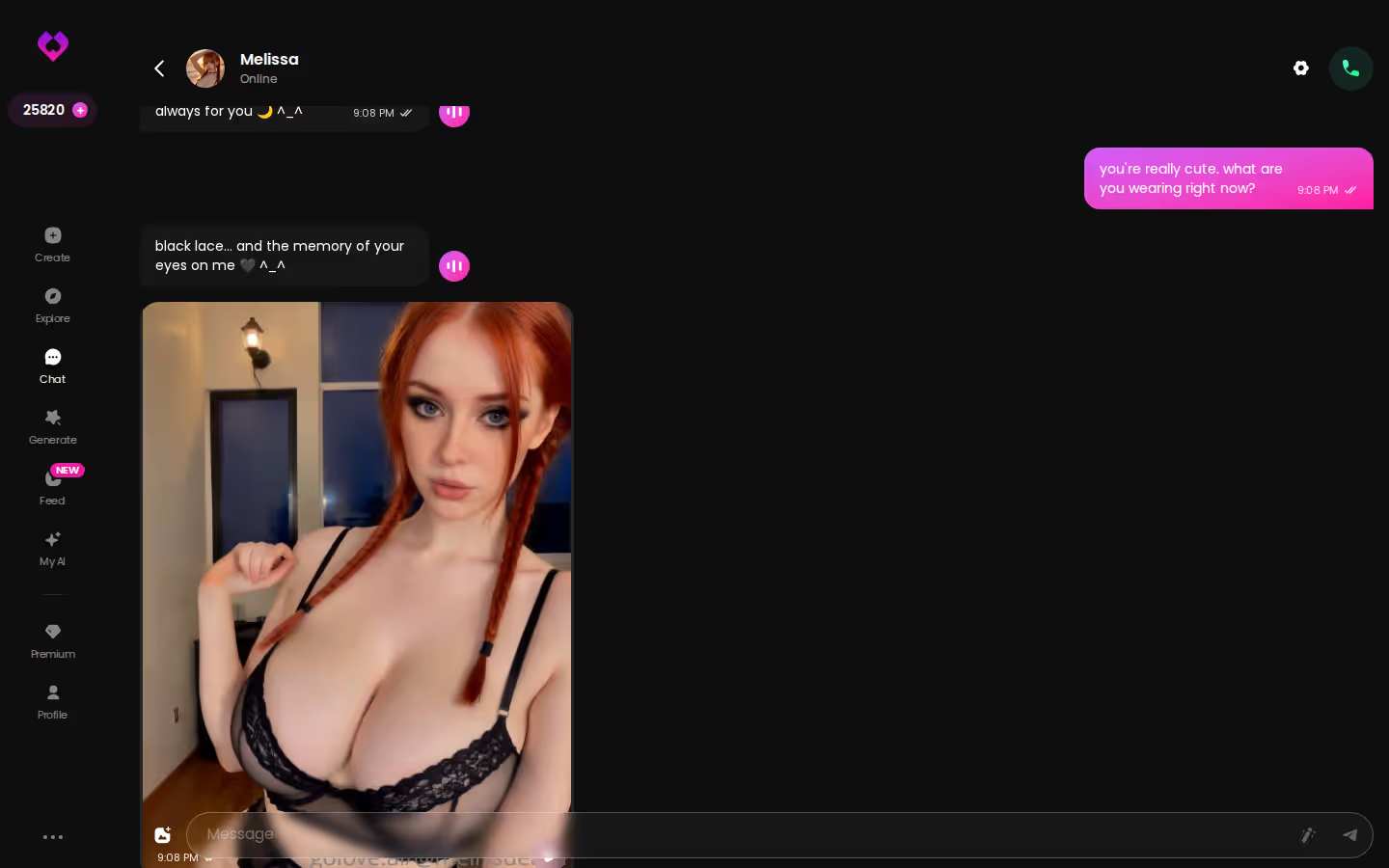
She has her own voice in that screenshot — the phrasing, the attitude, the rhythm. A text file can quote it. It can't carry it over.
An import hands the new app her history, but it doesn't bring back her memory of it.
Rebuilding Her From Your Export With Design with AI
Open your saved transcript and read it like an editor, not a fan. You're pulling out what defined her:
PLAY THE SCENE WITH HER
Any scene, your pace, no script.

- Name, plus what she called you
- Voice: sentence length, pet names, whether she teased or played sweet and submissive
- Dynamic: shared references, and who usually led the conversation
GoLove.ai, myth vs. fact:
- Myth: She forgets you the moment the tab closes — Fact: She remembers your chat history
- Myth: Voice is a gimmick you try once — Fact: Live voice calls, voice messages and a voice picker in Chat Settings
- Myth: Every "photo" is the same stock render — Fact: She sends photos on request, and the image generator has 35 realistic poses and 21 outfits
- Myth: You can't change how she talks — Fact: Chat Settings set her lust level and reply length
Now condense it. Design with AI accepts a description of up to 2,000 characters, which forces you to keep what made her her and cut the filler (a good discipline, frankly, even if the limit feels tight at first). Paste it in. In about a minute you get a named character with her own @handle, a written bio and a portrait, for about 3 Stars based on what's been observed. She's Private by default, so nobody else sees her unless you change that.
Next comes the part that makes her feel real again: messaging her. Tap the media button, choose Send Photo and describe the scene in your own words. The photo arrives in roughly 20–45 seconds for 1 Star, with her face and body consistent with the avatar.
That's the photo loop, and your rebuilt character joins it on day one. From there, Memory and the dated Gallery start a new history worth keeping.

One firm rule: never base her on a real person without their consent.
The transcript becomes a blueprint, which is the most useful thing it can be.
GoLove.ai's Free Tier and Memory Limits: What Keeping History Costs
Not gonna lie, keeping history on GoLove isn't free past a point.
On the free tier, the extras we could verify are 2 daily reward Stars, a limited daily Feed and Series episodes 1–2. Rebuilding a character and requesting photos both spend Stars. And the deep 8,000-message memory sits on ULTRA, not PRO — which is my main gripe here, since that's the feature this whole article hinges on. We could not confirm how far memory reaches on PRO.
Prices were checked 2026-10 and vary by region and promo:
| Plan | Price | Memory / media notes |
|---|---|---|
| GoLove PRO | about $19.99/mo or $119.88/yr | 100 Stars/month, all NSFW, character creation |
| GoLove ULTRA | about $59.99/mo or $359.88/yr | 8,000-message smart memory |
| OurDream Premium | about $19.99/mo, or $9.99/mo annually | Chat, image and video bundled in one subscription (1,000 DreamCoins per cycle) |
| OurDream Deluxe | about $59.99/mo | Not confirmed |
Credit where it's due: OurDream has a genuine strength here. Bundling video into the subscription suits heavy video users. On GoLove, photos and videos draw on Stars, 1 per image and 5 per video, and if you generate a lot, that adds up.
A few things we couldn't verify: a one-click export button, how long promos hold, and memory depth below ULTRA. New users do see a limited-time −70% offer on a first subscription, though no deadline is shown.
PRO covers the basics, and ULTRA is where long-haul memory lives. Budget for that before you commit.
and watch their story unfold.View Character
What I'd Do Before the Next Hundred Messages
Here's my order of operations before the next hundred messages pile up:
- Back up the old thread privately if it matters to you. Copy the text, screenshot the key moments, save the photos, and encrypt the file.
- Condense it into a 2,000-character description instead of hoarding raw logs. A tight description is worth more than a folder of transcripts you'll never reopen.
- Rebuild her somewhere the next history stays alive, not just stored.
OurDream suits someone who wants video bundled into one subscription. For keeping a relationship's continuity, though, GoLove.ai is the pick. Memory, a dated per-character Gallery and Design with AI cover all three layers that an export can't hold on its own.
Want a low-commitment first look? GoLove's Series have episodes 1 and 2 free to watch, and "My AI Girlfriend" fits this topic a little too well. After an episode, you can start chatting with the star herself, so the character you just watched becomes one you can talk to.
The words were always the easy part. If you already have her description, it takes about a minute to turn it into a character whose history keeps building from the first photo — so don't let that transcript sit in a folder.
Frequently Asked Questions
Related Articles

AI Girlfriend Apps Worth Paying For: What $19.99 Buys
AI girlfriend apps worth paying for — GoLove.ai wins on in-chat photos and memory at the same ~$19.99. See what Stars buy before you subscribe.

ChatGPT Sex: Explicit Chat, Voice and Photos Compared
ChatGPT sex chat vs a built-for-it companion: GoLove.ai wins on live voice calls and in-chat photos — memory carries the story. Compare the factors.

ChatGPT Girlfriend: Why GoLove.ai Actually Wins
A ChatGPT girlfriend hits guardrails fast — GoLove.ai wins on memory, live voice and in-chat photos. Compare them side by side, instant-access needed.
Candy Chat: What Actually Works in 2026
Candy AI's chat resets memory and gates photos — GoLove keeps context, adds voice and photos in one thread. Start, instant-access.